Lifetime access to the app
Choose the plan you want, enjoy Luminar forever. Plus, get generative features and Library of Assets for 1 year.

🔥 Sale up to 50% off
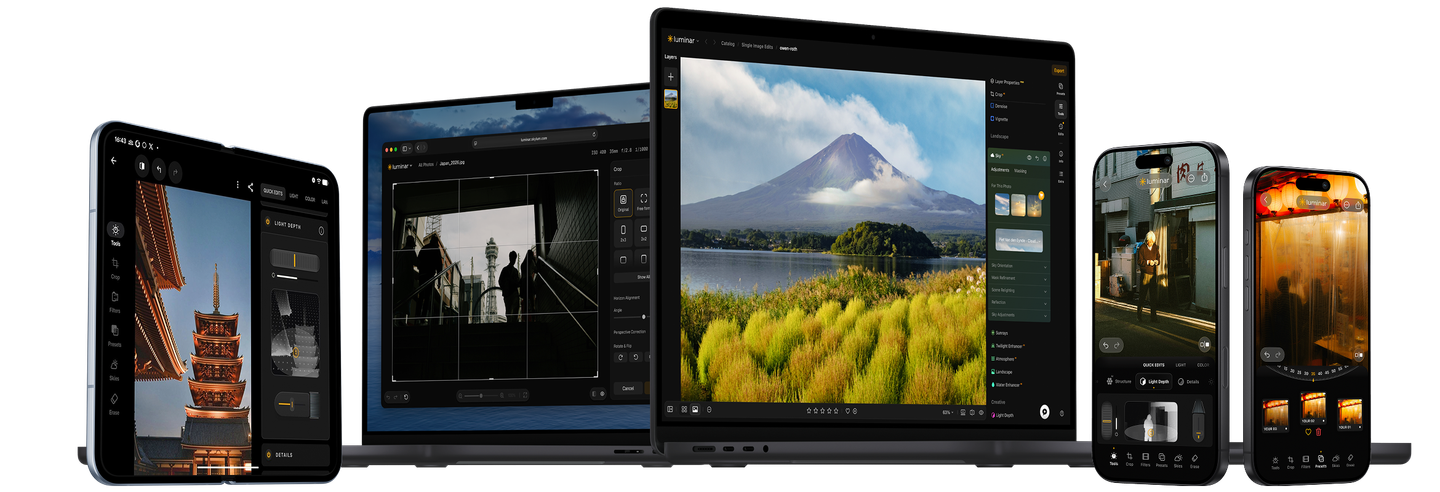
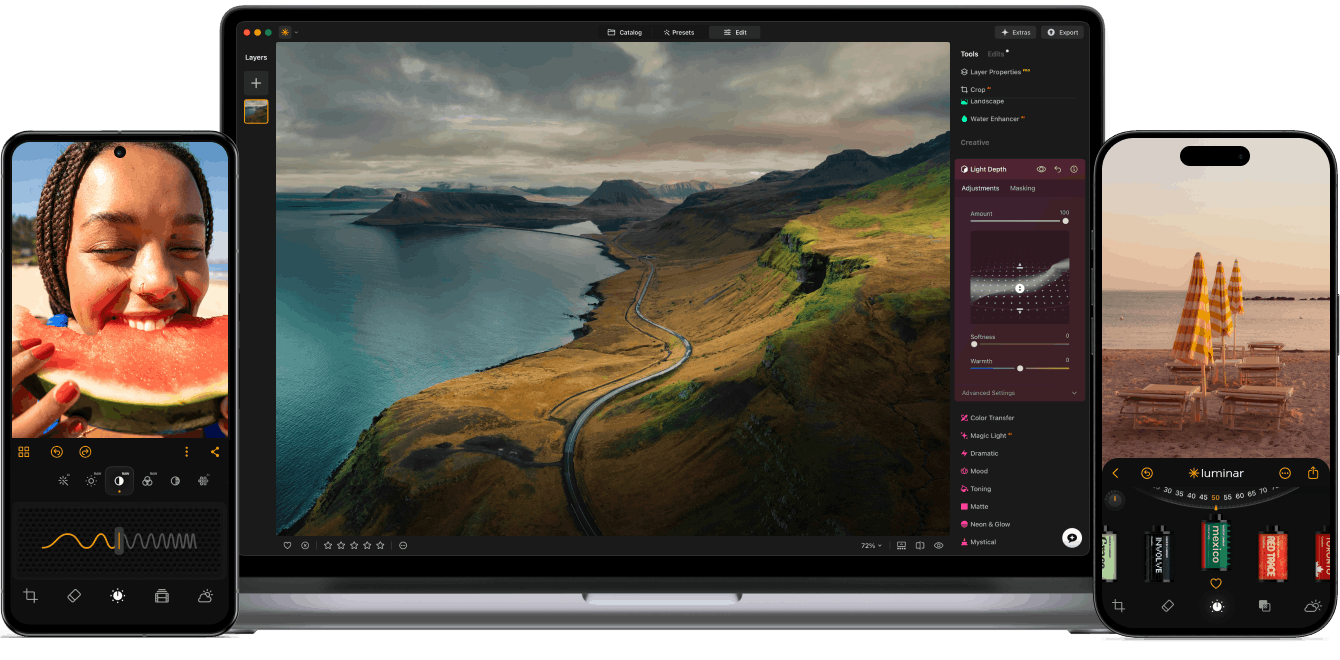
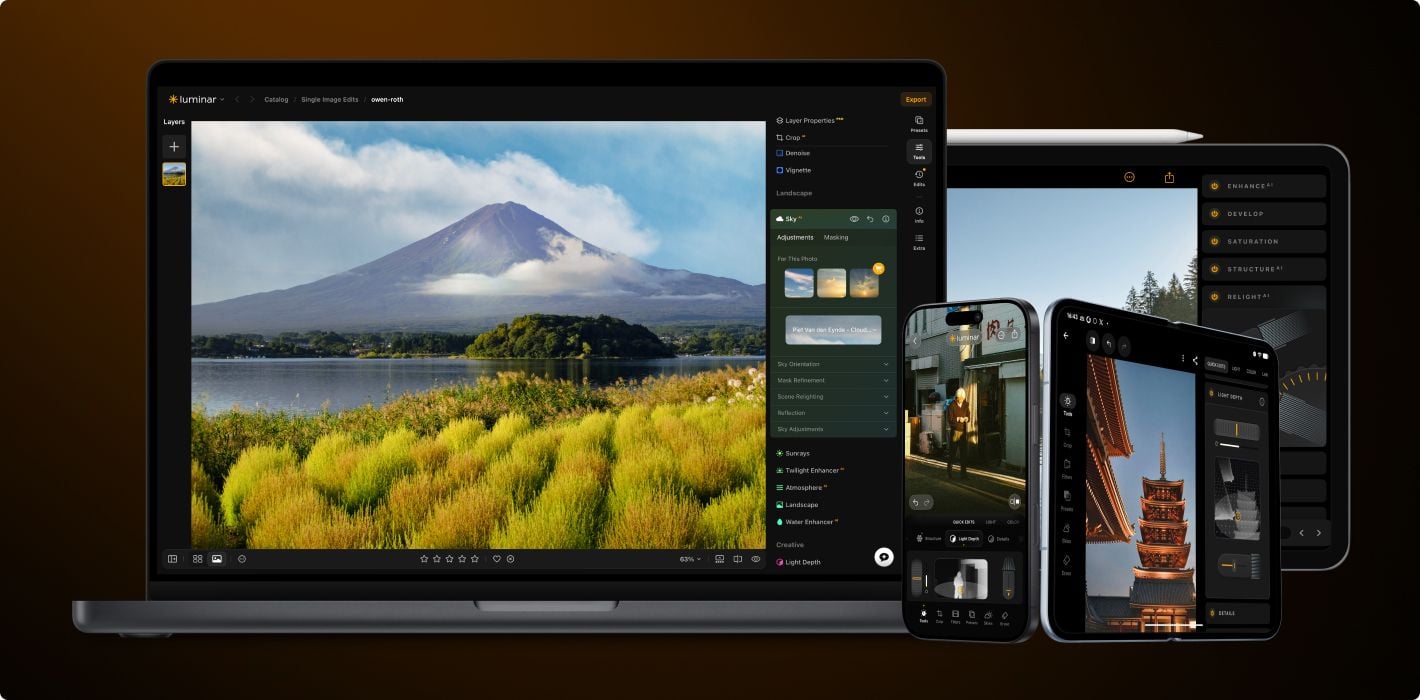
Luminar on Desktop, tablet and mobile. Soon on Web.
Level up your photography with Luminar's AI-powered photo editing tools.
Luminar on Desktop, tablet and mobile
Choose the plan you want, enjoy Luminar forever. Plus, get generative features and Library of Assets for 1 year.
Advanced AI features automatically enhance your photos and save you time.
An intuitive interface and smart tools make editing simple for everyone.
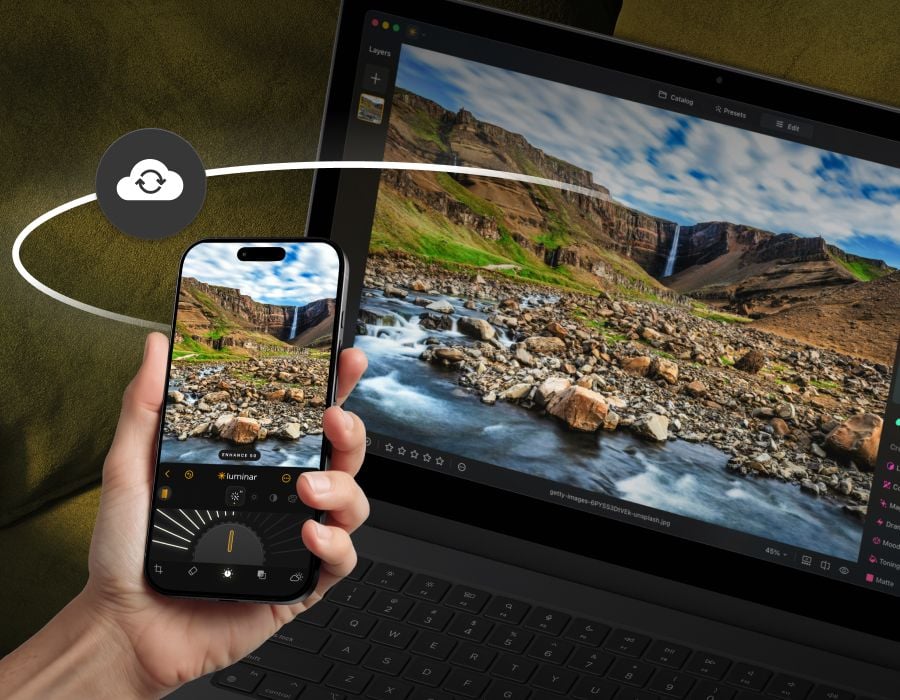
Start editing on your phone, continue on desktop – your work stays synced. Soon available on web, too.
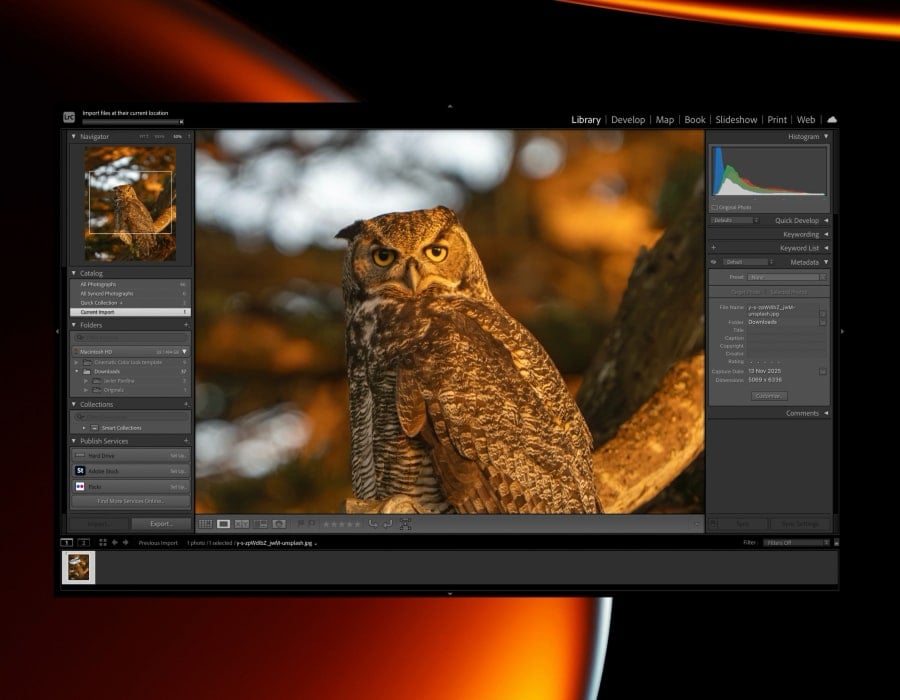
Integrate seamlessly with Lightroom classic and Photoshop for smooth, flexible editing.
With support for raw files, exporting in all major file formats, layers, masking, and much more, photography editing software Luminar meets all your editing needs.
Artificial intelligence (AI) technology detects which areas of your photo should be enhanced. Just move one slider and watch as adjustments are accurately applied.
Luminar Neo supports over 1000 cameras. It works with JPEG, PNG, and TIFF files, many raw files (including CR2, CR3, NEF, ORF, and RAF), and even more file formats.
Use layers to combine multiple elements in one project. Layers can contain photos, textures, and adjustments.
Your original image is always safe. Review and make changes to your edits whenever you like.
Remove any image flaw caused by optical distortions. Defringe, remove a vignette, or remove chromatic aberrations in one move.
Replace unwanted or damaged pixels with pixels of your choosing from anywhere in your photo. Easily cover up damage or blemishes.
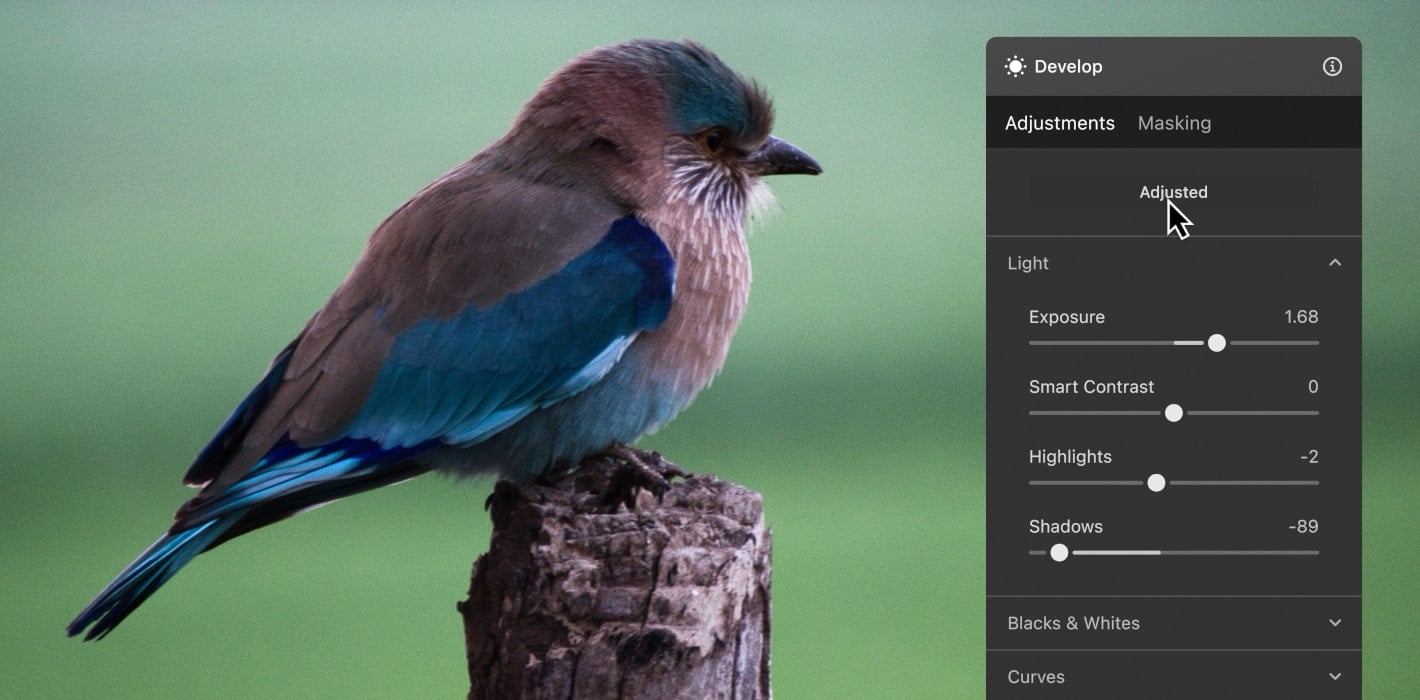
Take full control over the lighting in your photos. Regulate the amount of light in a particular area to draw attention to it.
Use this tool for precise control over colors. Adjust brilliance, warmth, contrast, and balance in a matter of seconds.
Automatically adjust composition, crop, and perspective. Change the aspect ratio and effortlessly resize an image.
Save time by applying the same adjustments to multiple photos using batch processing. Conveniently apply adjustments to a large set of images shot under similar conditions.
With Pro Tools, you can sharpen, denoise, upscale, and merge exposures or panoramas to reveal every detail exactly as you imagined it.
Upscale
Transform any photo from ordinary to breathtaking in just a few clicks. With intelligent AI tools guiding every step, you’ll enhance, refine, and perfect your image effortlessly.
Bring out the best in every face. Enhance skin, refine light, and add depth with intuitive tools that do the hard work for you.
Save time with batch editing and a rich selection of presets that keep every photo looking stunning.

🔥 sale up to 50% off
Pick the plan that works for you and start editing on any device.
Luminar for Desktop is a powerful, next-generation photo editing software designed to inspire creativity and deliver professional results with ease.
It features an intuitive interface and a modern toolkit powered by cutting-edge AI technologies. With a flexible, performance-focused engine at its core, Luminar for Desktop offers faster editing, seamless layer-based workflows, and precise control over every detail. Whether you're enhancing portraits, transforming landscapes, or exploring your artistic vision, Luminar for Desktop makes the editing experience both efficient and enjoyable.